Type your scenario
get 9 frames that tell one story.
From Model Selection to Cut Design, and Continuity
All AI models, one workspace
Every model's fine-grained parameters are fully supported, so detailed control stays consistent even when you switch models.
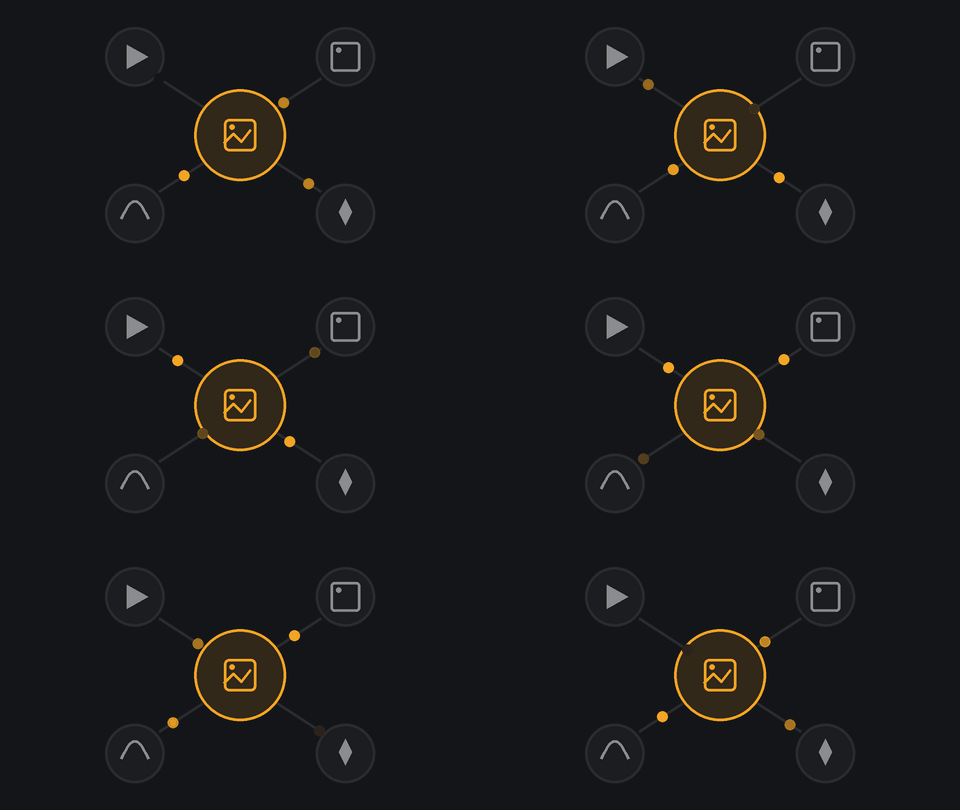
Direction tools for professional creators
Build your storyboard with our own tool, Flexboard, keep the background locked while changing camera angles with Turn, and carry costume and prop continuity through every shot.
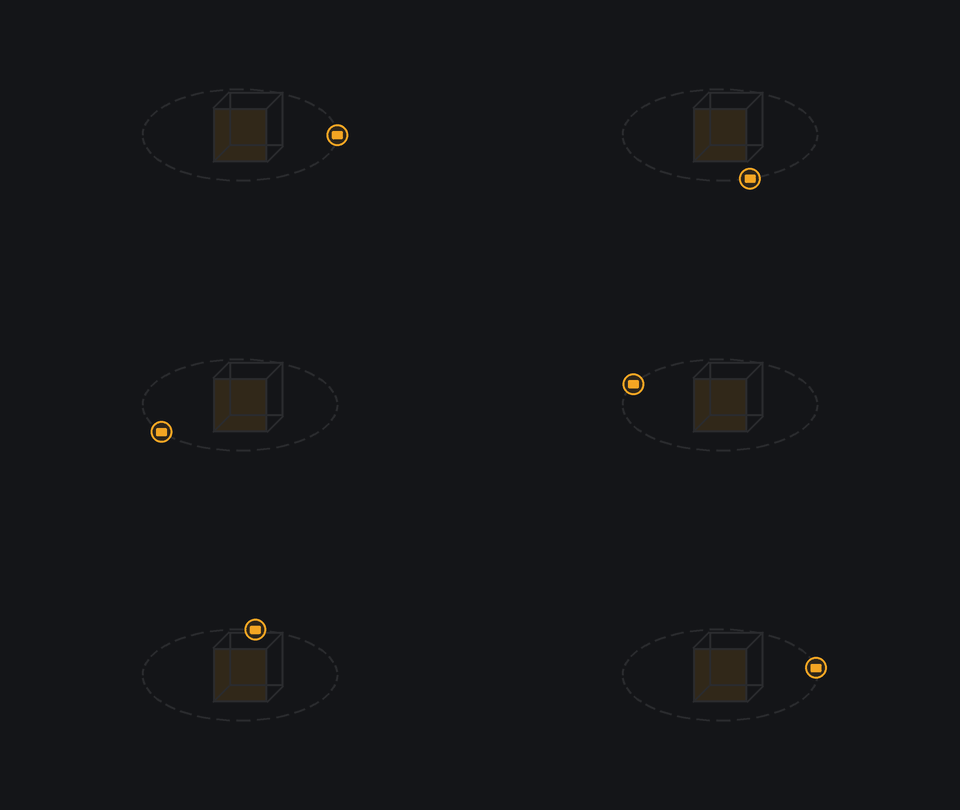
Professional videos, finished in a 9-cut storyboard
Set the angle, mood, and timing for every single cut, and shape each frame exactly the way you imagined it.
Feedback in, emotion and state carried all the way through
Refine any part you're not happy with through feedback, while your character's emotion, injuries, prop state, and even prior prompts are remembered across every scene.
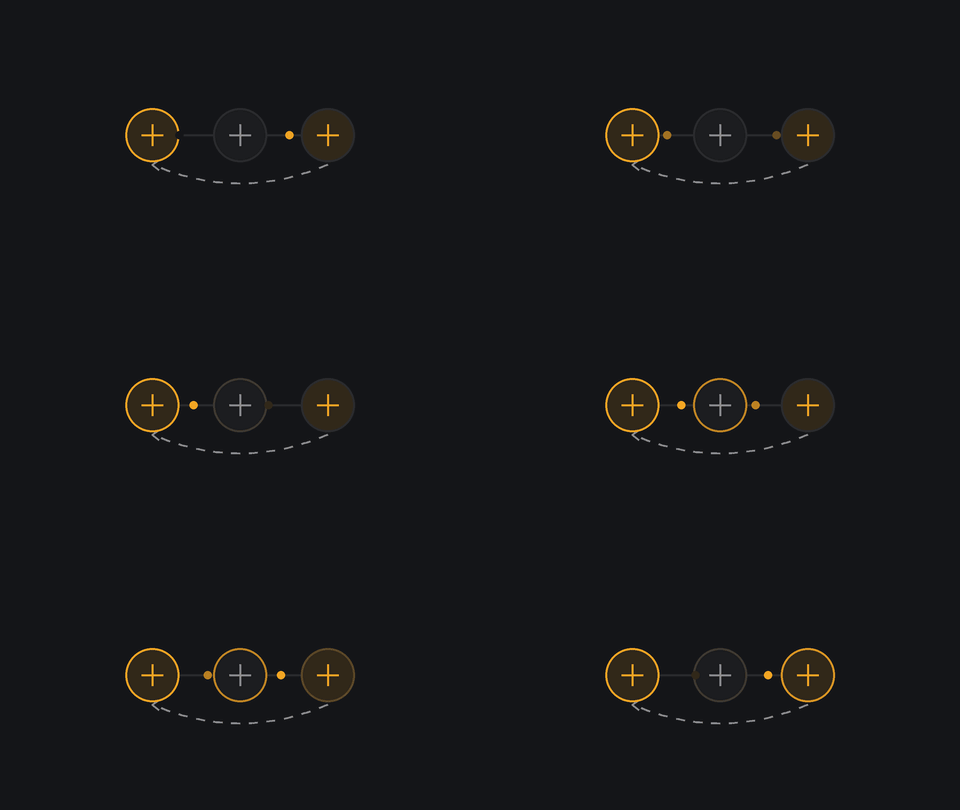
From idea to image without a studio.
One space. Every angle.
Build a 360 space from a photo or a prompt, then move through it freely. Add or remove objects, choose your character, and shoot the scene in any cinematic angle you choose.
How to Use
Step by step, tool by tool.
360 Turn Studio
Upload a reference image or describe your space in text to build a full 3D environment. Use the mask tool to add or remove objects — enter a prompt to place something new, or leave it blank to erase automatically.
Director's Cut
Select your image engine, set the year and location, then write your scenario. Choose a director style and art style to let AI shape the mood and direction. If a cut doesn't look right, you don't have to start over — just edit that cut's prompt and regenerate it individually.
Art Director Pro
Make sure to include your character's name in the scenario. AI uses the name to connect the face and outfit references. Upload a face photo and click Detect Face to generate a character sheet before you can start. Even when you update the scenario and regenerate, the tone and context from previous cuts stays intact.
Built for Your Workflow
Who uses XCONDA ADP?
Whether you pitch ads, draw webtoons, or direct films — XCONDA fits your creative process.
Finish your client pitch in 5 minutes
Generate a complete 9-frame ad storyboard from a single brief. Consistent brand characters, consistent story — no more back-and-forth with illustrators.
Start with Ad Storyboard Template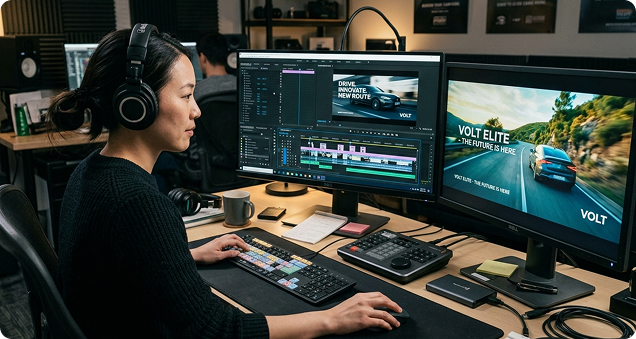
Other AI video tools one place.
 Grok Imagine
 Seedream Lite
 Z Image
 Kling 3.0
 veo 3.1 Kling 4K
 topaz
topaz Vidu Q3
 Nano Banana Pro Grok Imagine Seedream Lite Z Image Kling 3.0 veo 3.1 Kling 4K topaz Vidu Q3 Nano Banana Pro
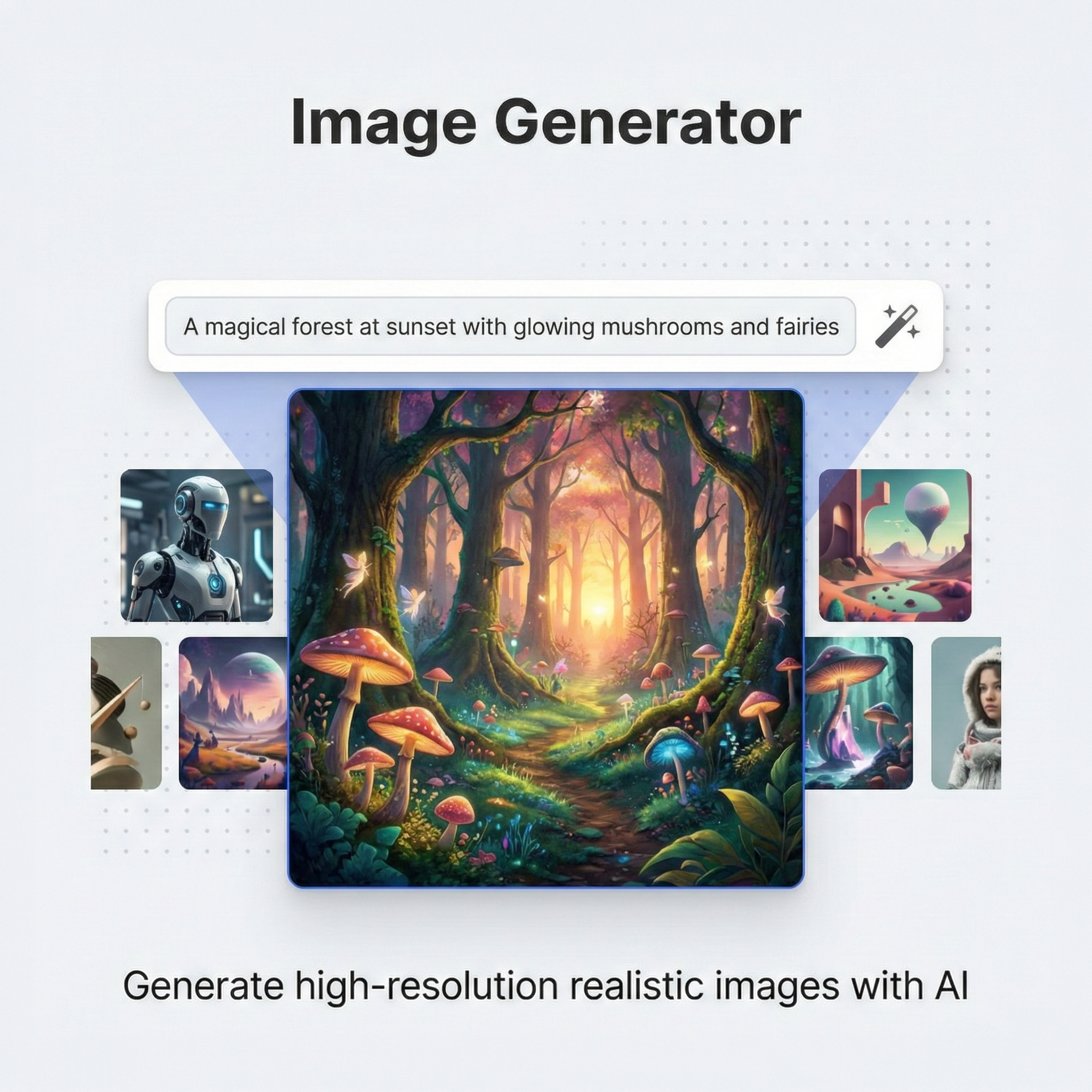 Grok Imagine
Dark-skinned woman, ornate gold jeweled headdress and face mask, studio lighting, warm beige background, editorial fashion, photorealistic
Kling 3.0Red panda curled asleep, bushy tail wrapped around body, dappled sunlight through leaves, photorealistic, forest setting
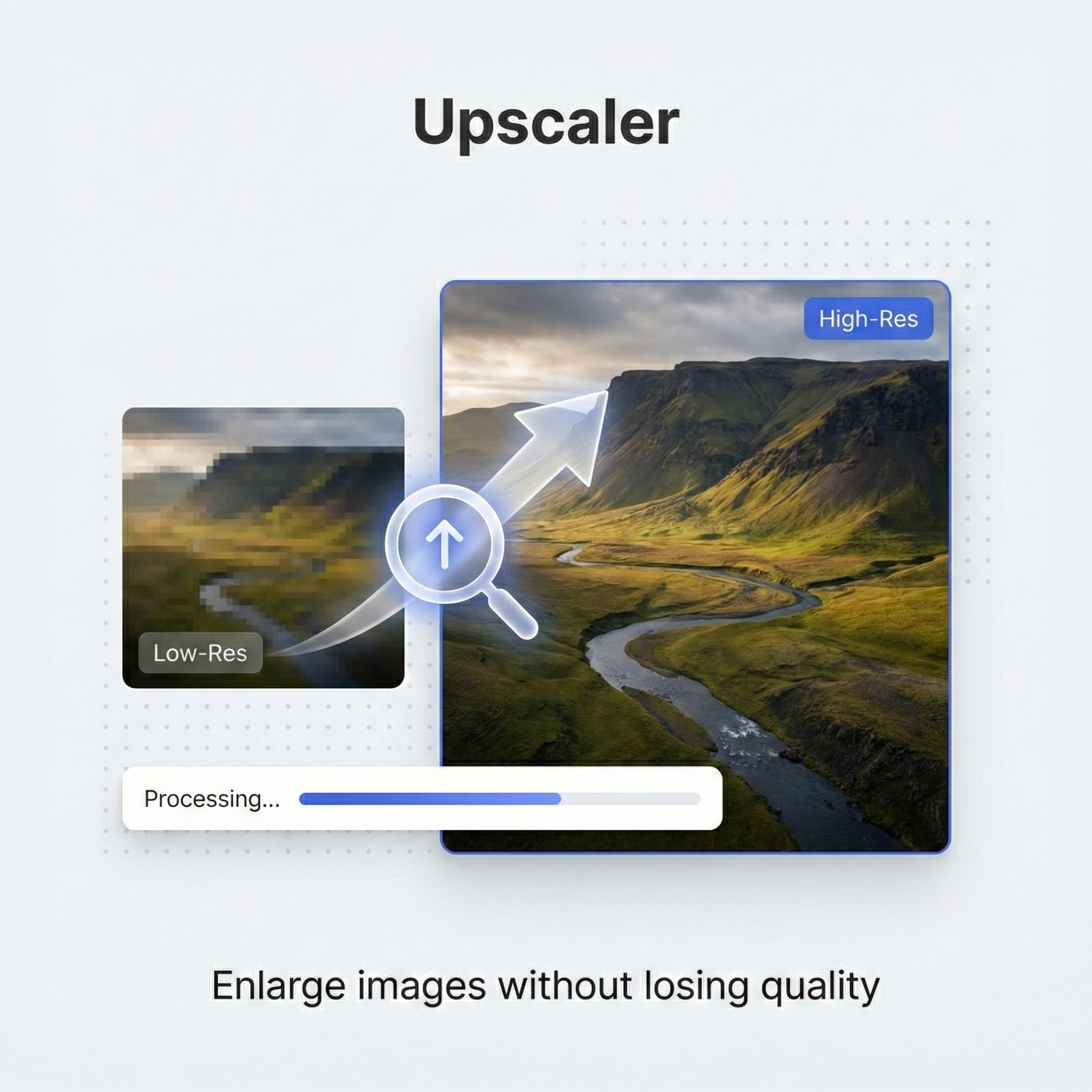 Upscaler
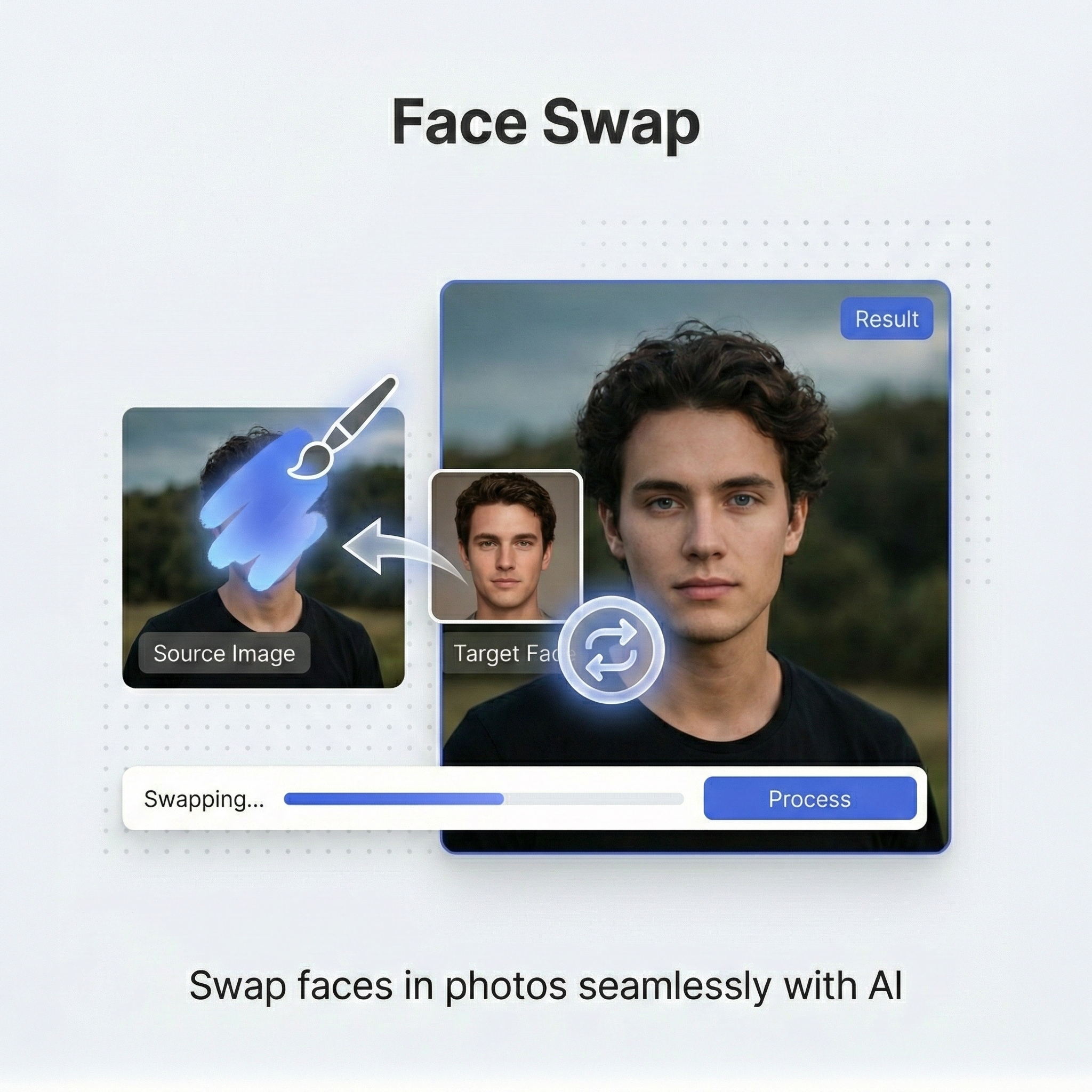 Face Swap
Every tool you need for AI video production,
built by us, for you.
From a single photo to a complete storyboard — XCONDA's tools cover every step of your creative pipeline.
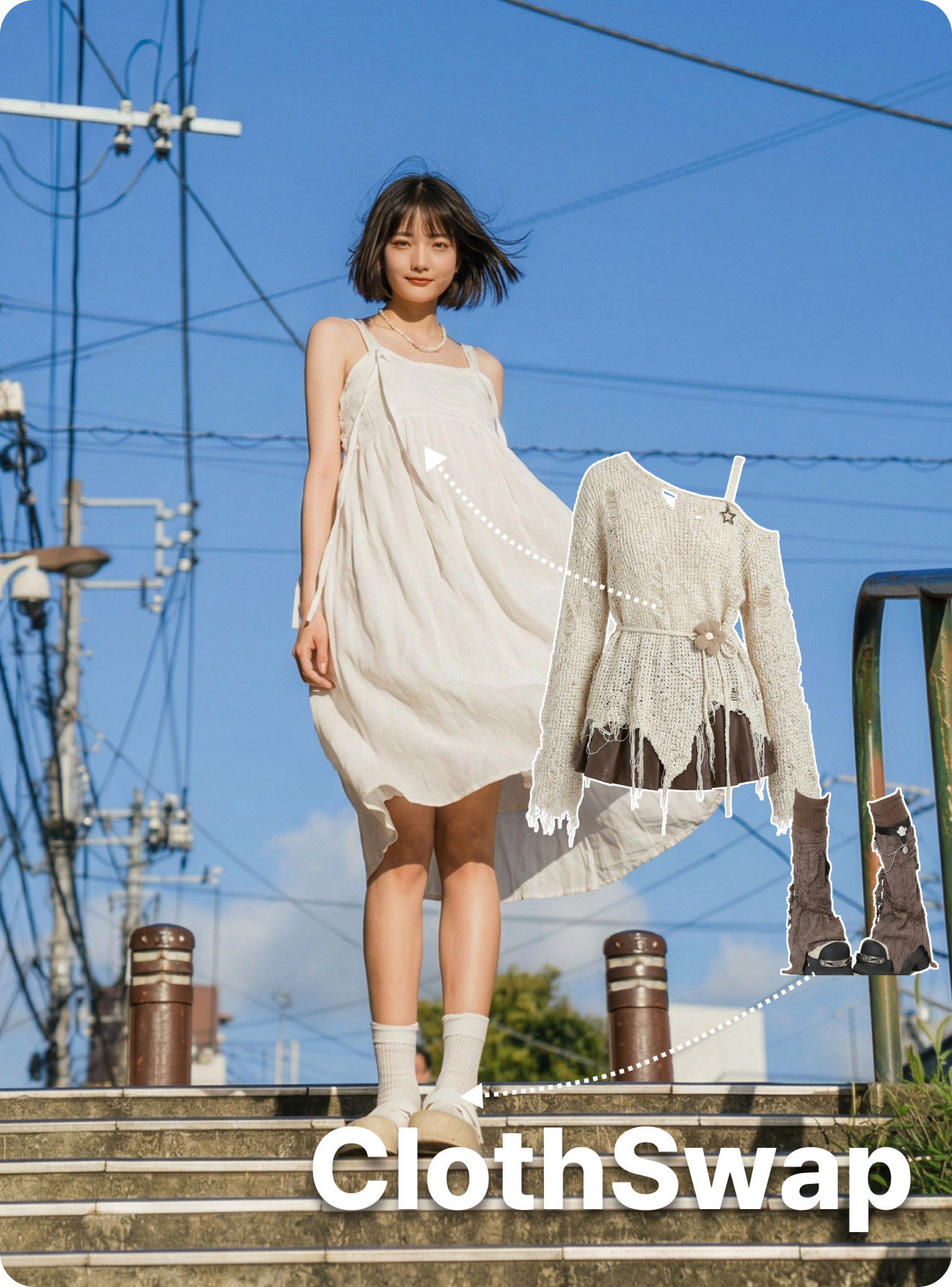
ClothSwap
Paint over the clothing area you want to replace, then upload a reference outfit image to swap it with AI.
Go to Tools
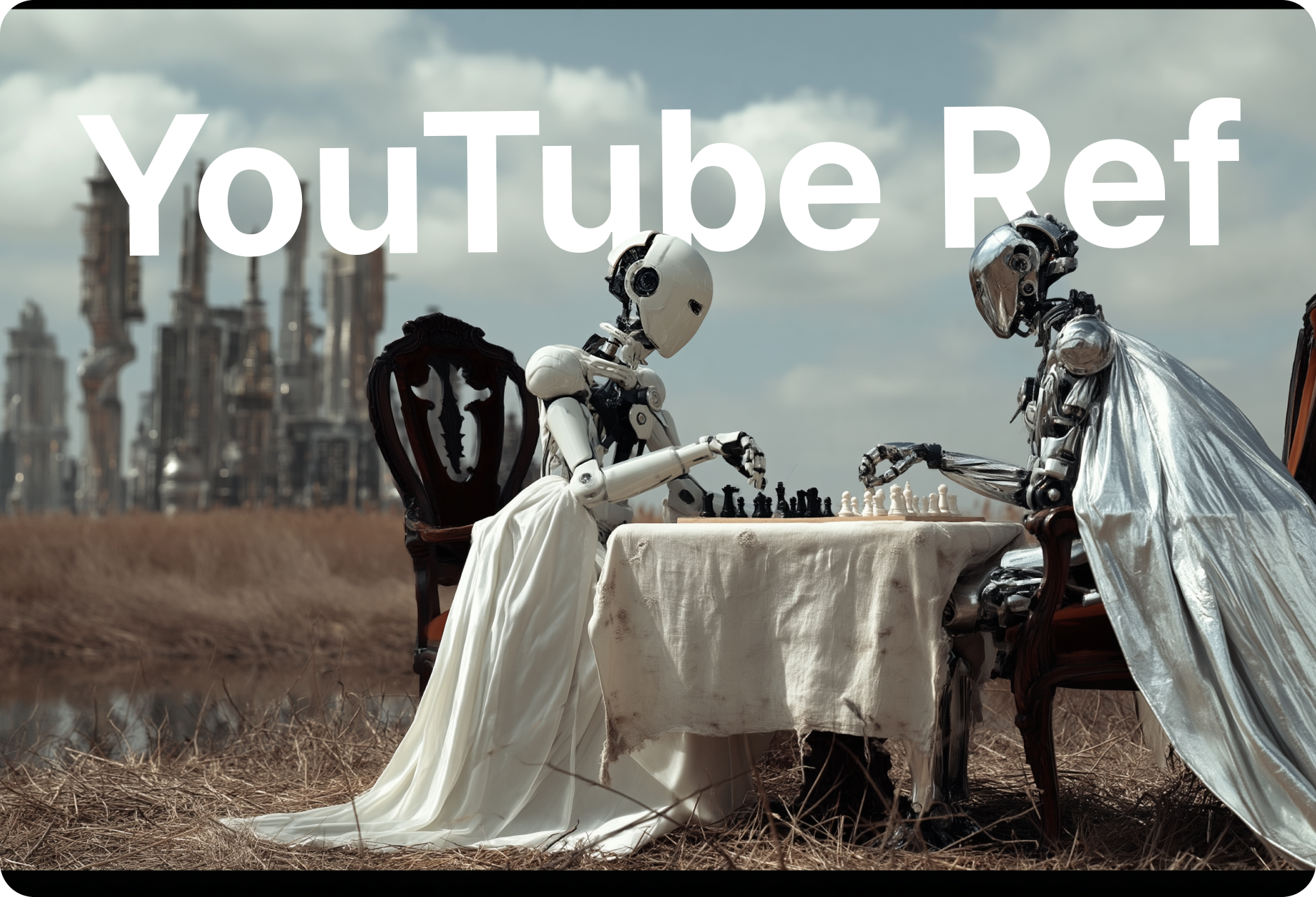
YouTube Ref
Paste a video link → AI generates a 9-scene storyboard. Optional: upload character references.
Go to Tools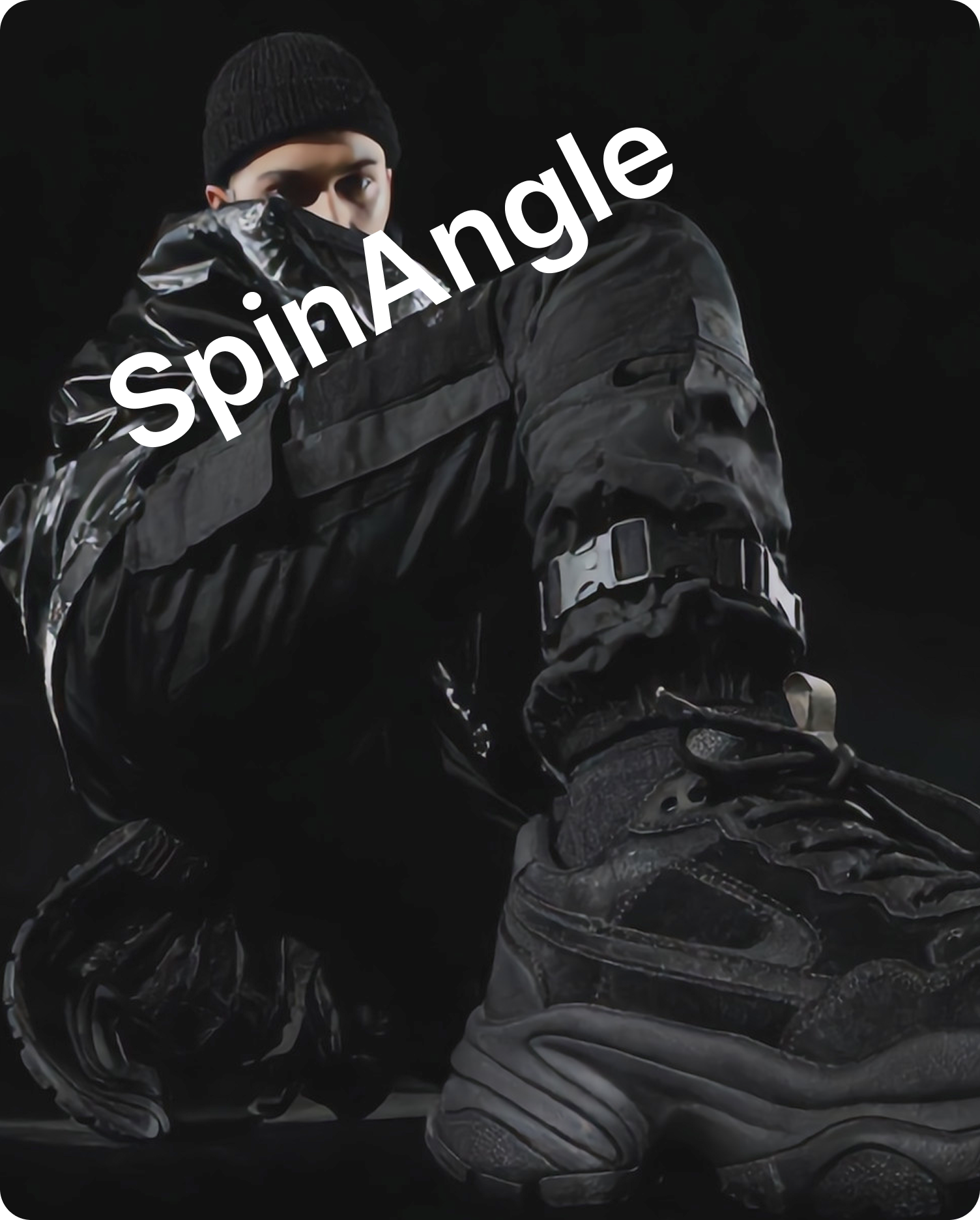
SpinAngle
Draw a circle to mark the camera position and an arrow to indicate the direction. AI will generate a photorealistic view from that exact perspective.
Go to Tools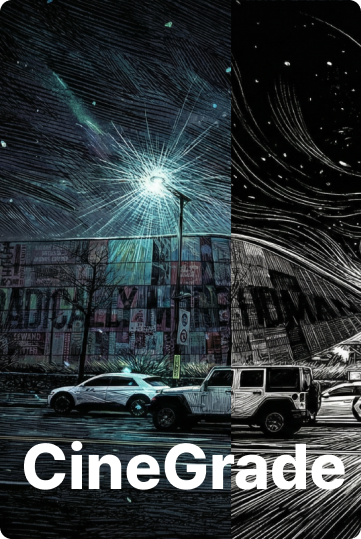
CineGrade AI
Upload a reference movie still and transfer its color grading, contrast, and mood to your own photo instantly using AI.
Go to ToolsCinematic Image Blender
Upload a photo of a person and a background image, and AI will naturally blend them together for a cinematic look.
Go to Tools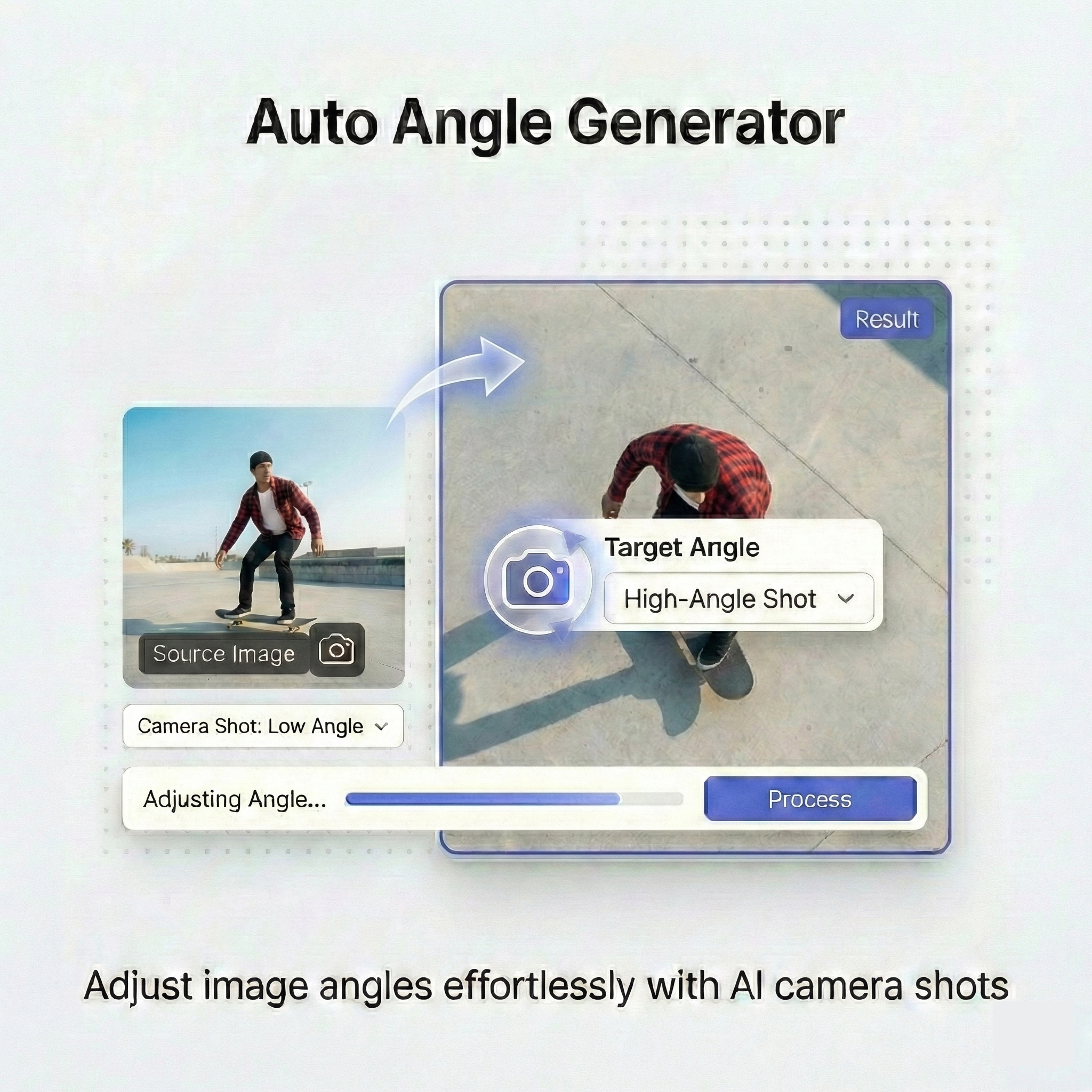
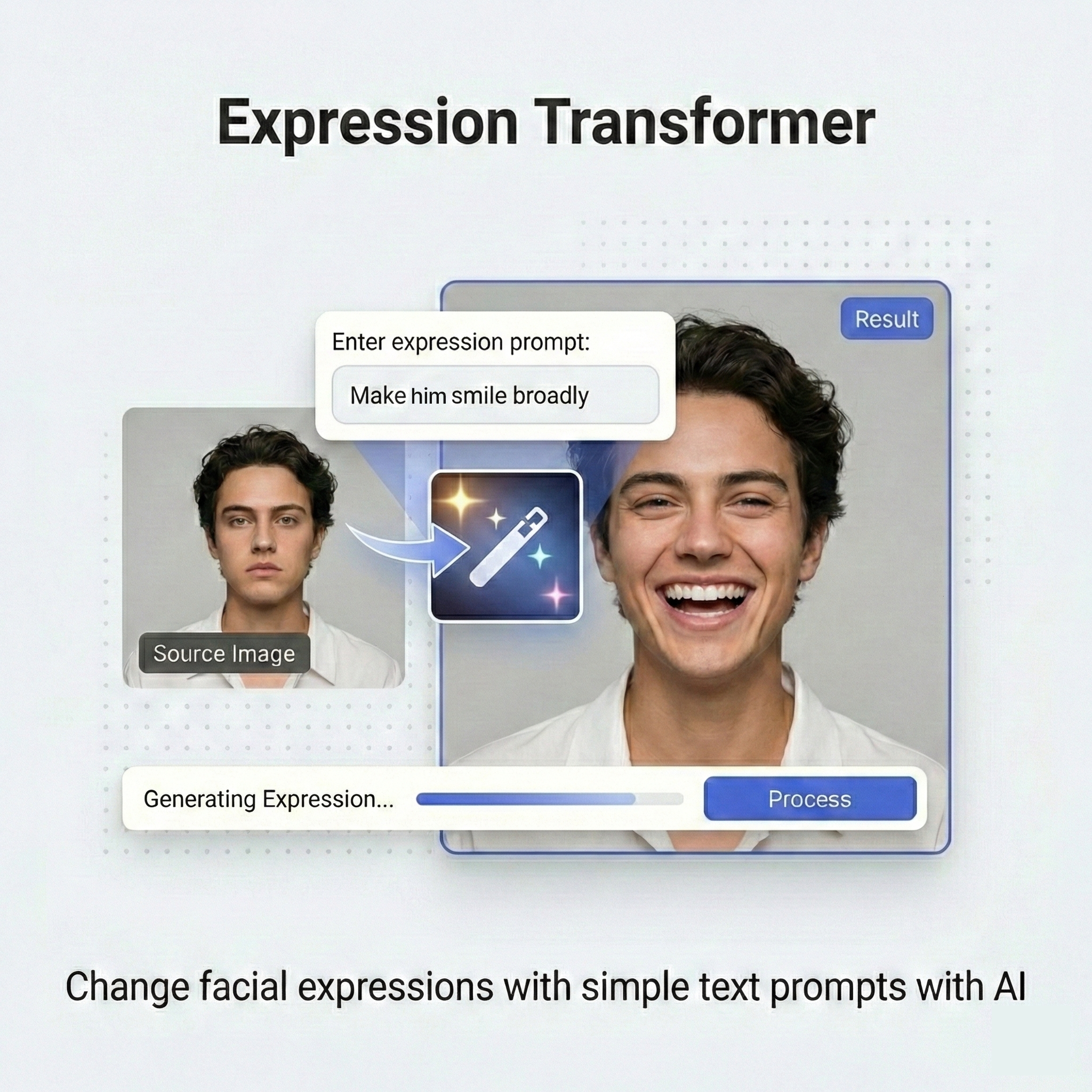
Expression Transformer
Change facial expressions with simple text prompts. Transform neutral faces into any emotion while keeping identity intact.
Go to Tools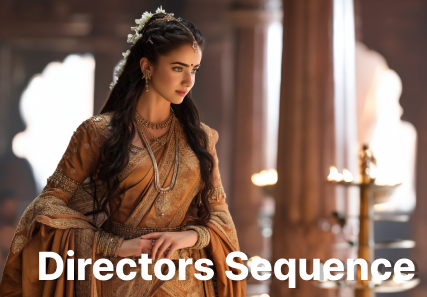
Directors Sequence
Upload a single keyframe and AI auto-generates 8 sequential scenes for a cinematic result.
Go to Tools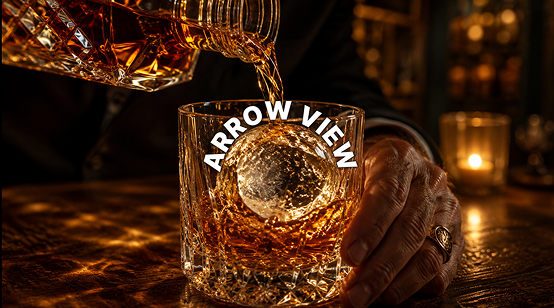
Arrow View
Upload an image and draw an arrow to set the camera direction. AI generates the scene from that new viewpoint — no 3D modeling required.
Go to ToolsUnlock Unlimited Creativity
Choose your pack. One payment, and you're ready to create with Xconda.
Starter Pack V1
2,020 Credits
Perfect for beginners exploring AI creativity.
Starter Pack V2
6,200 Credits
A great starting point for regular creators.
Pro Pack V1
10,500 Credits
A lite option for quick creative needs.
Pro Pack V2
21,500 Credits
The popular choice. Create anything you imagine.
Master Pack
114,000 Credits
No limits. Create everything you imagine.
No is a one-time payment. Subscription plans are coming soon.